Search.
Download.
Organize.
Read.
Comicarr is a self-hosted library manager for comics and manga. Monitor series, search your configured providers, and organize completed downloads into your library.

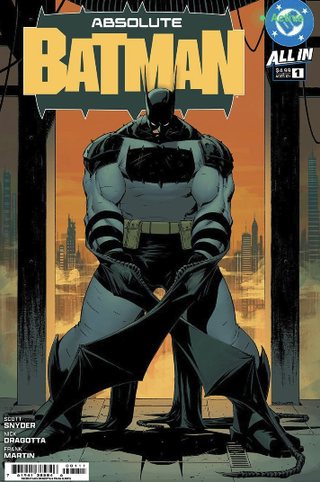
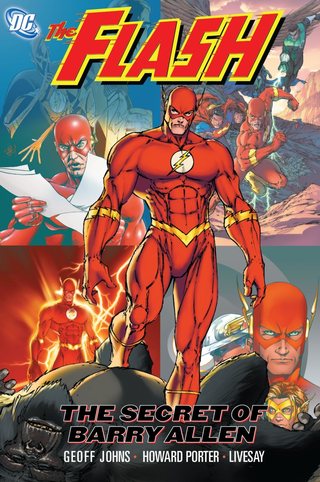


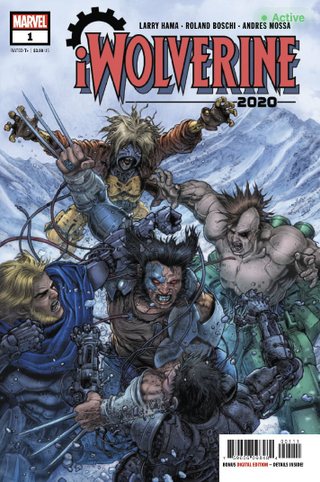


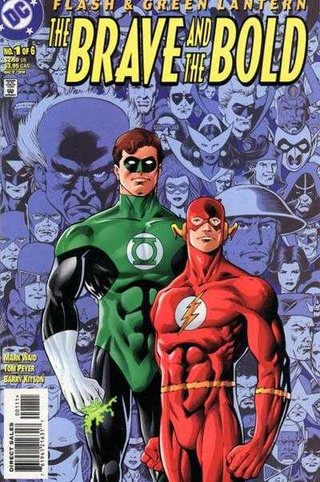

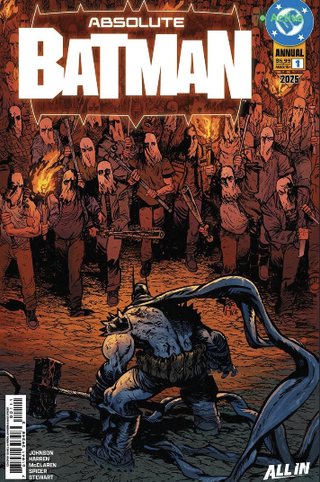
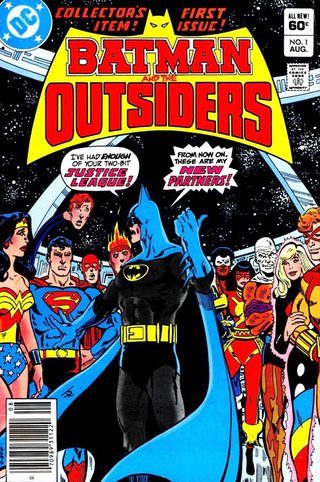

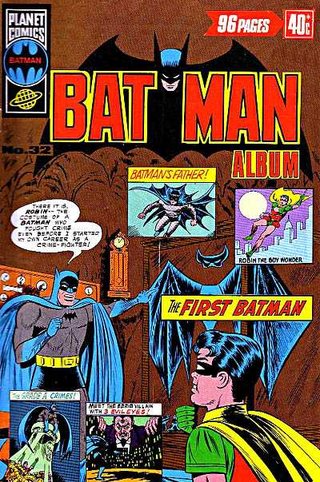
201 series, comics and manga, in one place.
Grid or list, with filters for type, status and progress. Each series shows how complete it is, and every action has a keyboard shortcut.

One pipeline from search to shelf.
Set up your providers and download clients, then monitor series. Comicarr searches for releases and shows acquisitions that need your attention.
Automatic downloading
Usenet and torrents, plus direct-download providers. Comicarr searches when an issue drops, sends the grab to whichever client you've configured, then post-processes and files the result. Review failed or stalled downloads in Needs Attention.
Metadata that matches
Comics need ComicVine, including imports from Metron search. Manga-only libraries can use MangaDex or MyAnimeList; MAL needs a client ID. Enable tagging and renaming in settings.
Weekly pull list
Comicarr tracks new releases and adds them the week they ship. Story arcs then group them across series.
Read anywhere
An OPDS feed your reader already speaks, whether that is Chunky, Panels, KOReader or anything else on the standard.
REST API + SSE
Use a session for the REST API and live events. API keys support a limited set of library browse endpoints.
Deploy
Docker, or a manual install on Linux, macOS, or Windows.
Connect
Add your download clients and metadata providers, then tell it how you want folders and files named.
Add series
Monitor series and check acquisition status. Comicarr searches for missing issues and files completed downloads using your settings.
Coming from
Mylar3.
Comicarr builds on Mylar3. The first-run wizard imports its library records and configuration from a read-only mount. Check paths and issue statuses before enabling searches; migration cannot guarantee that downloads never repeat.
Migration guide- /path/to/mylar3:/mylar3:ro
Point it at your library.
Stop filing issues by hand.
The Comicarr application is free software under GPL v3, running on hardware you own. Start with the Docker setup guide.